
Command mode
Say it. Your computer does it.
Dictation types what you say. Command mode does what you say. Hold a second hotkey, speak an action, and wispa carries it out, matched on your own device.
- A second hotkey
- Matched on-device
- macOS

How it works
From a spoken sentence to a done action.
-
01
Hold the command hotkey
A separate shortcut from dictation, so speaking a command is never mistaken for text you want typed.
-
02
Say what you want to happen
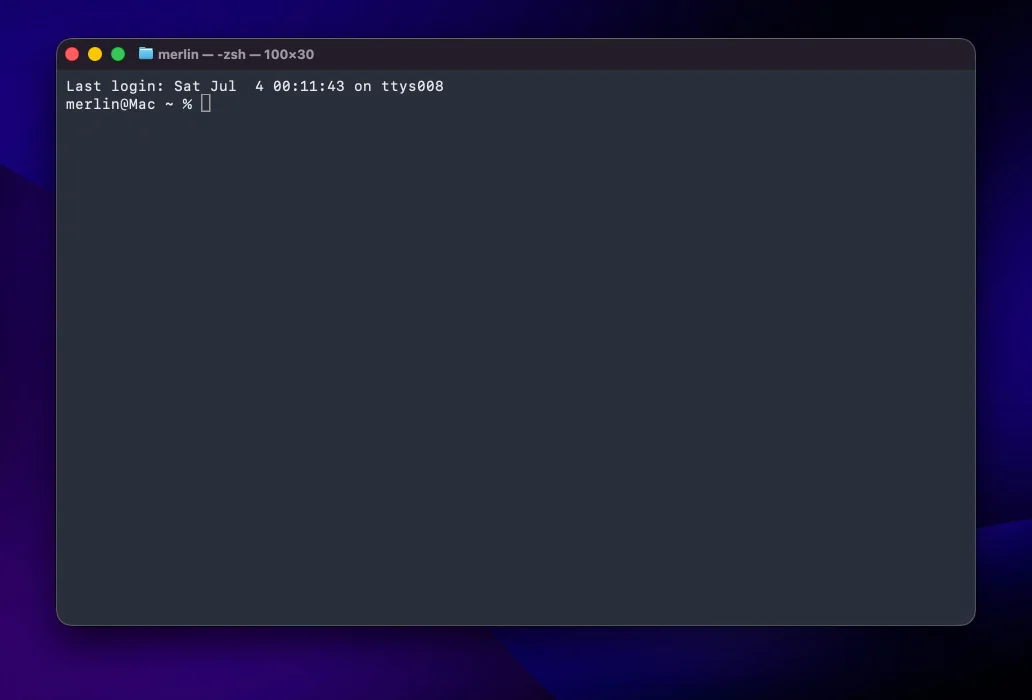
"Open Terminal." "Start Claude Code." "Remind me to push at five." Plain speech, no rigid syntax to memorize.
-
03
wispa matches it and acts
Your phrase is matched against your commands on-device, then wispa opens the app, runs the script or adds the reminder. Nothing is typed, nothing is stored.
What you can trigger
One sentence, and it just happens.
-
Open apps and launch coding agents
Jump straight into your editor, terminal, or an agent like Codex, Claude Code or Cursor without touching the mouse.
-
Run shortcuts and scripts
Fire a macOS Shortcut or your own script by voice, so a whole workflow starts from one spoken line.
-
Capture reminders and notes
Add a reminder or drop a note the moment you think of it, without breaking flow or leaving what you are doing.
-
Switch modes hands-free
Flip between dictation and command mode, or swap models and languages, all by speaking instead of digging through menus.
FAQ
Command mode, answered.
Talk to your machine
Stop clicking. Start telling it what to do.
Download wispa, hold the command hotkey, and open apps, run scripts and launch your coding agents by voice. Free trial, no account.